
Apply for a CloutViper Child Panel
Rent your branded SMM panel for $30/month — Hostinger domain, DNS setup, admin access. Your panel will be ready in less than 24 hours after payment and DNS are set.
What you get
- $30/mo hosting for your branded child panel
- Colors, branding, and an admin panel to configure it
- Services fulfilled via CloutViper.com (create an account & add funds there)
- We submit your site to Google Search Console for SEO once the panel is live.
Need the overview first? How to make your own SMM panel
Admin panel preview
Here’s the admin you get: dashboard, services, payments, referrals, SEO, and more — under your brand.
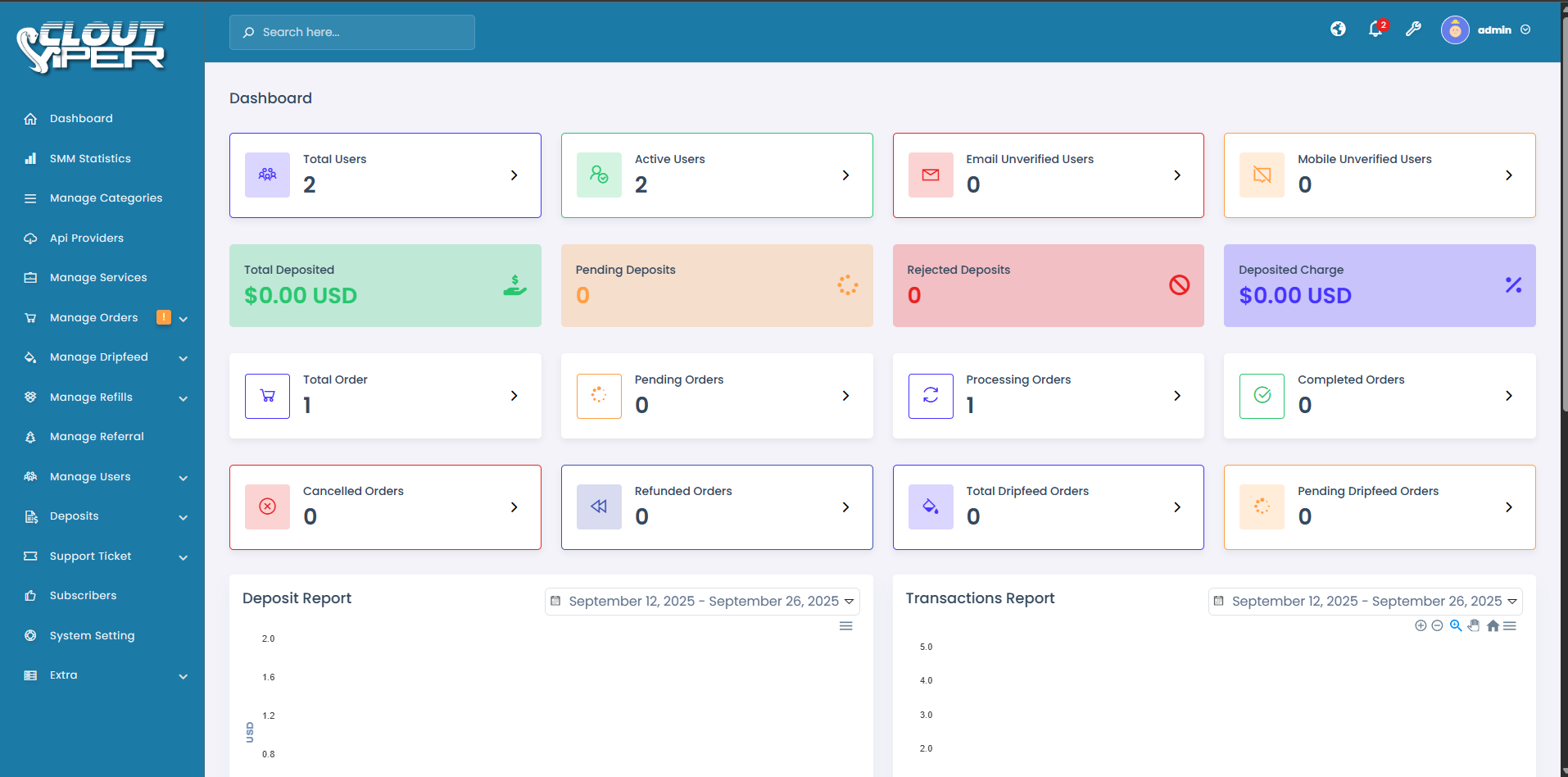
Admin dashboard
1 / 13
Setup process
Follow these steps in order. DNS edits and VPS values unlock only after you apply and pay (same idea as Hostinger’s official guide).
Steps 3–5 locked until payment
-
1
1. Get your domain
hPanel → DomainsBuy or use an active domain at Hostinger. You need full ownership and DNS access — do not change DNS yet.
Get a domain on Hostinger →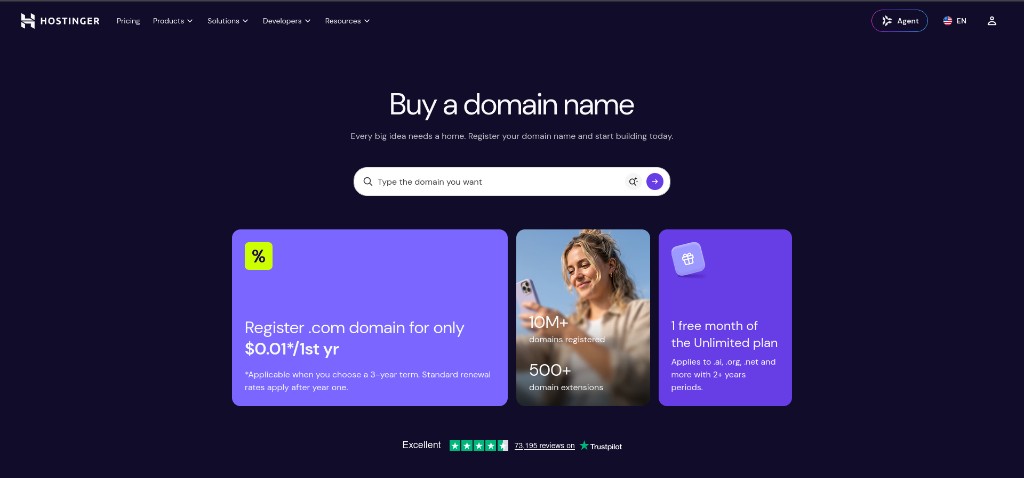
Opens Hostinger so you can buy or manage your domain.
-
2
2. Apply & pay
Unlocks DNSUse the form at the top of this page to apply and start the $30/mo subscription. Paying unlocks steps 3–5 and our VPS DNS values — in order.
-
Locked
3. Open DNS Zone
Locked until paymentPreview only — do this after step 2. In Hostinger: Domains → select your domain → DNS. Turn DNSSEC off before editing.
Tap or click the screenshot to view it full size.
-
Locked
4. Update DNS to our VPS
Locked until paymentPreview only — do this after step 2. Delete existing A/AAAA for @ and any A or CNAME for www, then add the A / CNAME records below using our VPS values (not Hostinger’s). Set TTL to the recommended value in the table (usually 14400 / 4 hours).
Our VPS IP / record values appear here after payment — not shown publicly.Tap or click the screenshot to view it full size.
-
Locked
5. Wait & go live
Locked until paymentPreview only — do this after step 2. Propagation can take a few hours (up to 24h). We provision your panel and submit it to Google Search Console.
Your panel will be ready in less than 24 hours after payment and DNS are set. Hostinger DNS guide · DNS propagation
Explore More
Pricing
View our pricing plans
Custom Websites
Custom website development services
Moreno Valley Web Design
Local websites for Inland Empire businesses
Landscaping Website Design
Website design for landscapers in Southern California
Cleaning Website Design
Website design for cleaning companies in Southern California
Towing Website Design
Website design for towing companies in Southern California
Mobile Mechanic Website Design
Website design for mobile mechanics in Southern California
How to Make Your Own SMM Panel
CloutViper child panels — $30/mo, branding, admin
Ecommerce Stores
Ecommerce store setup and management
Portfolio
View our completed projects